Library and search.
Organise a large project and search it.
- Folders and tags
- Nested folders, tags, reading status, stars and smart views.
- Bulk actions
- Move, tag or mark many files at once.
- Quick open
- Ctrl+P opens any file by name.
- Search everywhere
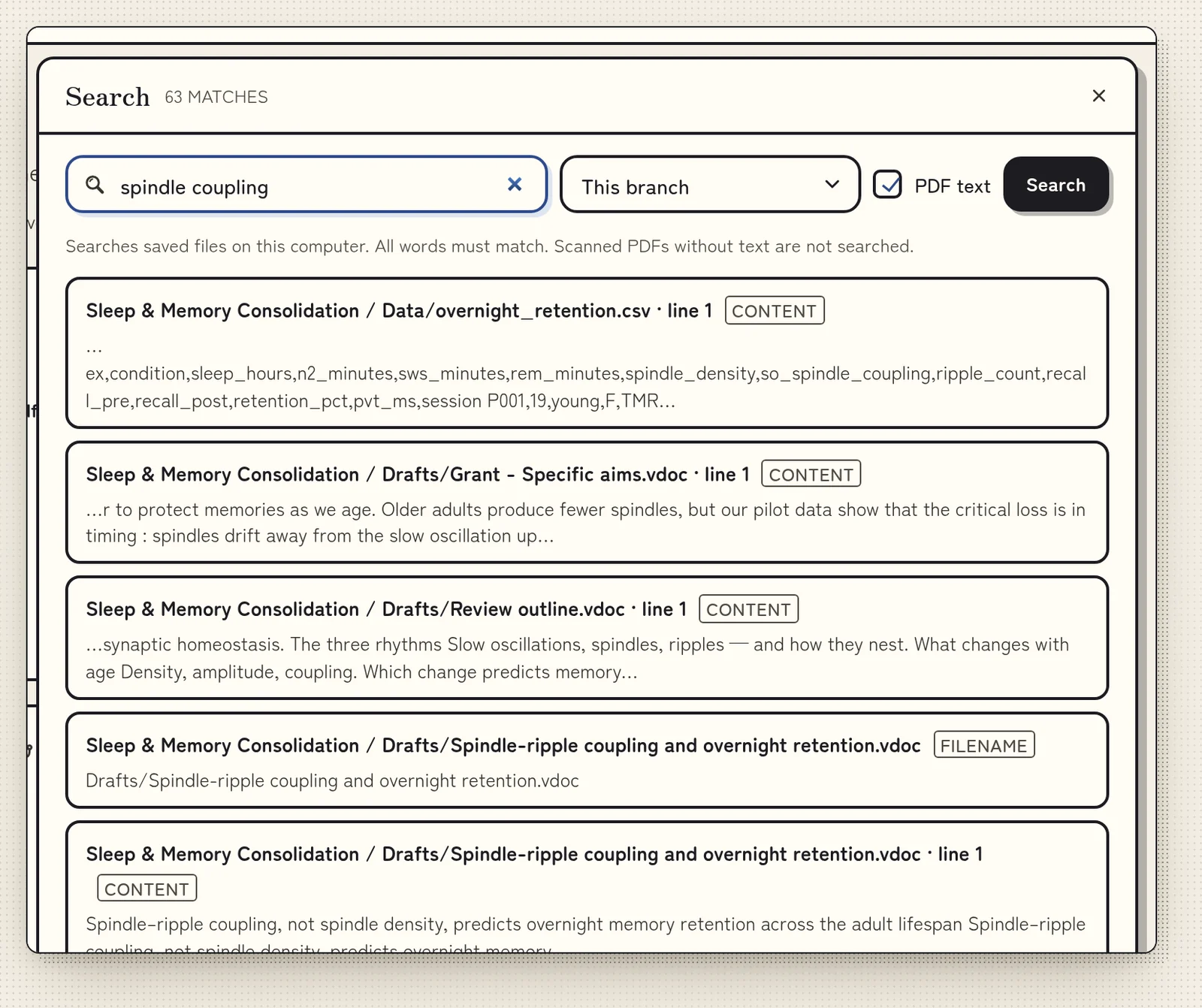
- File names, notes, PDF text and highlights, in one branch or all recent ones. It also finds words inside Word documents (footnotes and comments too) and Excel workbooks, where a match shows its sheet and row.
- Right-click menus
- Right-click any file or folder for its actions. With several files selected, the menu acts on all of them.
- Side by side
- Open up to three files in panes next to each other, or follow a link as a peek.
- Shelf view
- Shows your papers as book spines. Taller spines are larger files.
- Branch check
- Finds broken links and files that need attention.