Reading PDFs.
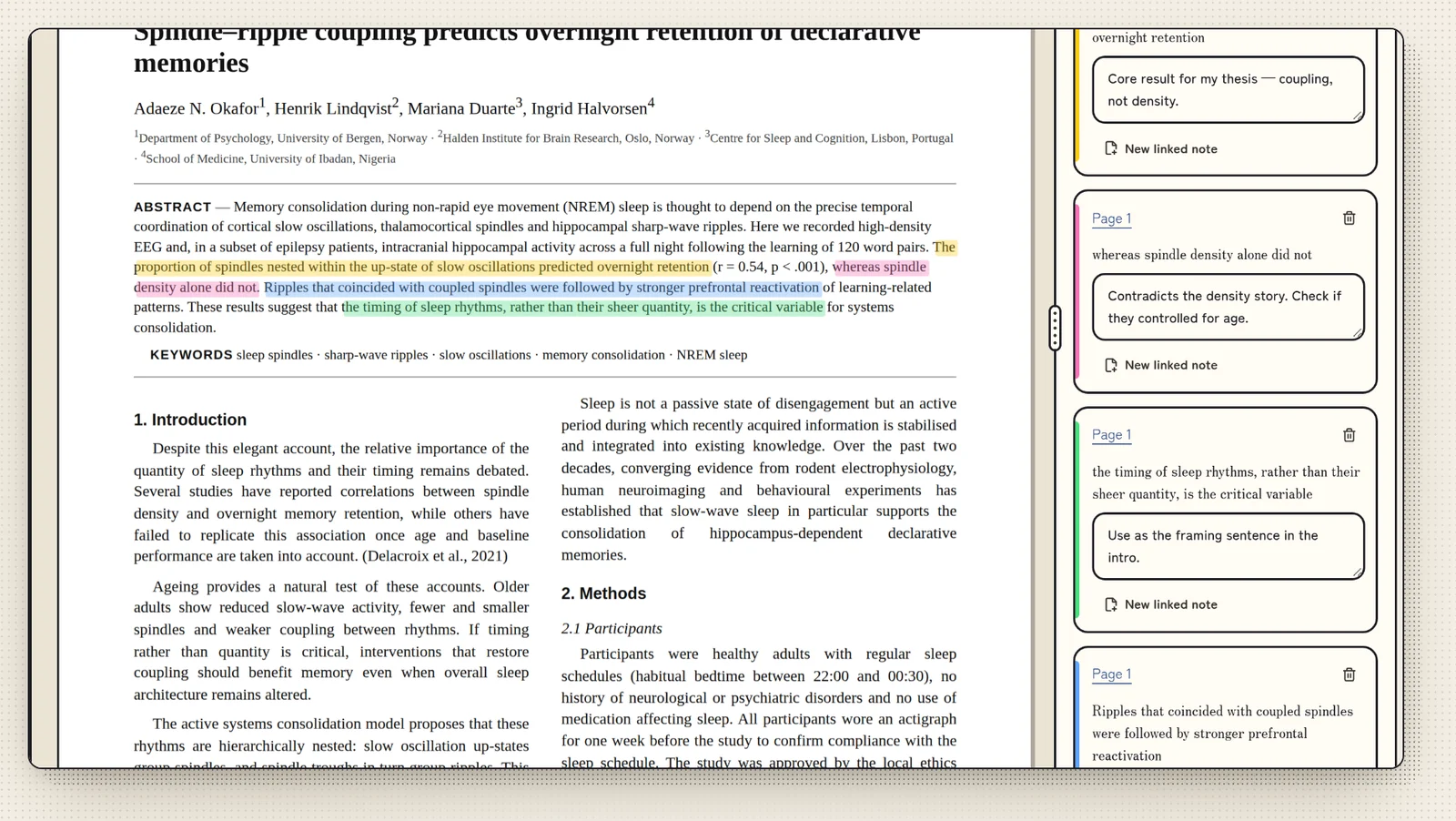
Highlight, comment and quote without touching the original.
- Highlights and comments
- Saved as a small file in the branch's annotations folder. The PDF itself is never changed.
- Links from a page
- Link a PDF page to notes and other files in the branch. With a note or paper open beside the PDF, quote or cite a highlight straight into it.
- Annotated copy
- Export a copy of the PDF with your highlights in it.
- Smooth scrolling
- Pages render nearest first and stay cached, so long PDFs keep up.
- Reading modes
- White, Sepia and Dark page colours.