Notes and links.
Markdown notes that link to papers, pages, data and figures.
- Markdown
- Notes are .md files. Edit, split view or reading view.
- Two link styles
- Write the file name with its ending in angle brackets, as in <paper.pdf>, or use [text](paper.pdf). Write <paper.pdf#page=3> to land on a page.
- Link-safe rename
- Move or rename a file in Volpi and the links to it in your notes and papers are updated.
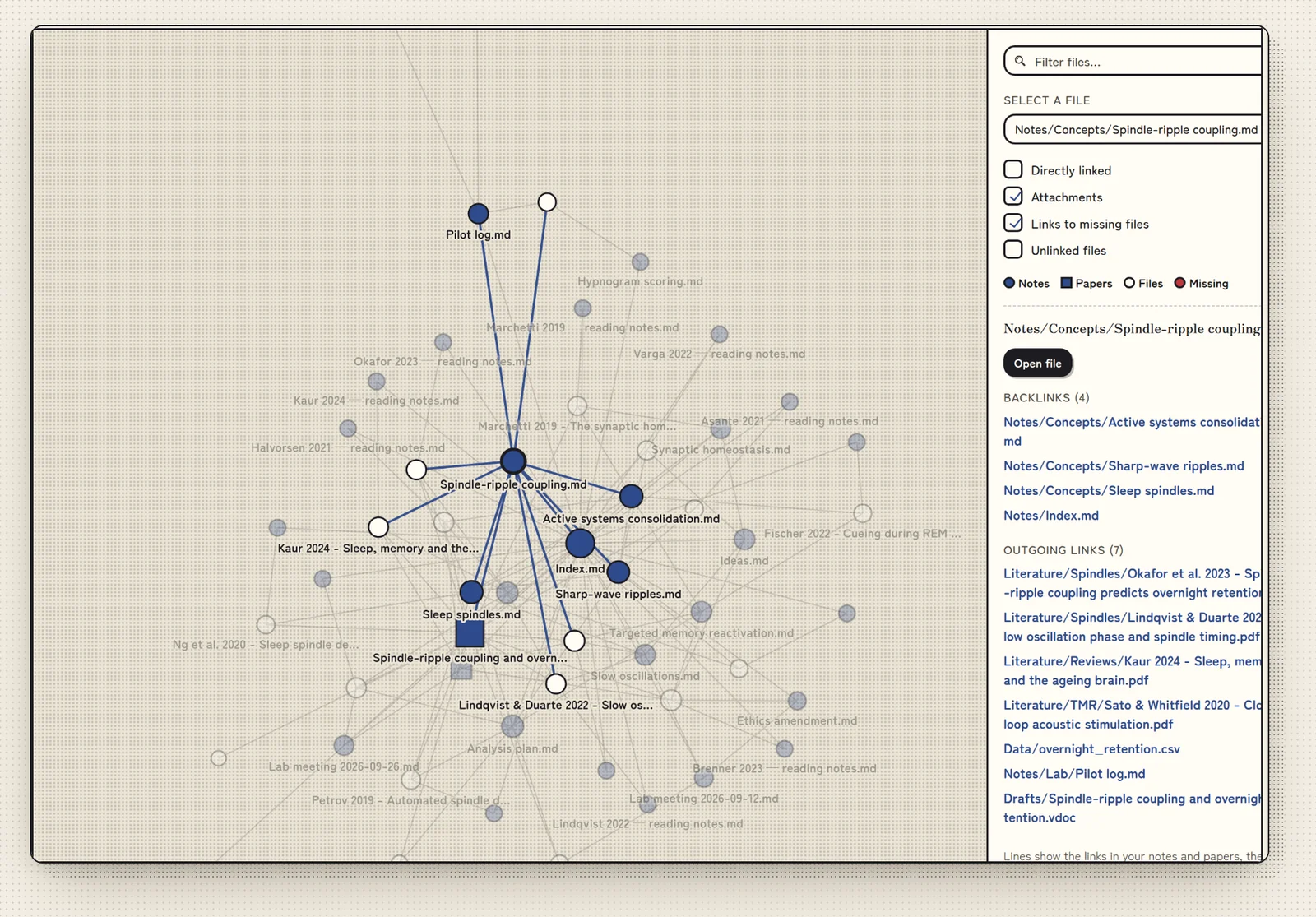
- Research graph
- See how notes, papers and figures connect.
Link syntax
How to link a note to another file, or to one page of a PDF.
| You type | What it does |
|---|---|
<paper.pdf> | Links to the file with that name. Include the ending (.pdf, .md and so on). |
[text](paper.pdf) | Links to the file, showing your own text instead of its name. |
<paper.pdf#page=3> | Opens the PDF on page 3. Add #page= and a page number after the file name. |
NoteMove or rename a file in Volpi and the links to it are updated. Undo reverses it. A file renamed outside Volpi is not followed.