Everything Volpi does.
Reading, notes, references, data and writing, in one app. Here is the tour, with screenshots and the occasional joke.
Every project is a folder.
Nothing to export in a panic the night before submission. If you ever stop using Volpi, your work is still right there in your file manager.
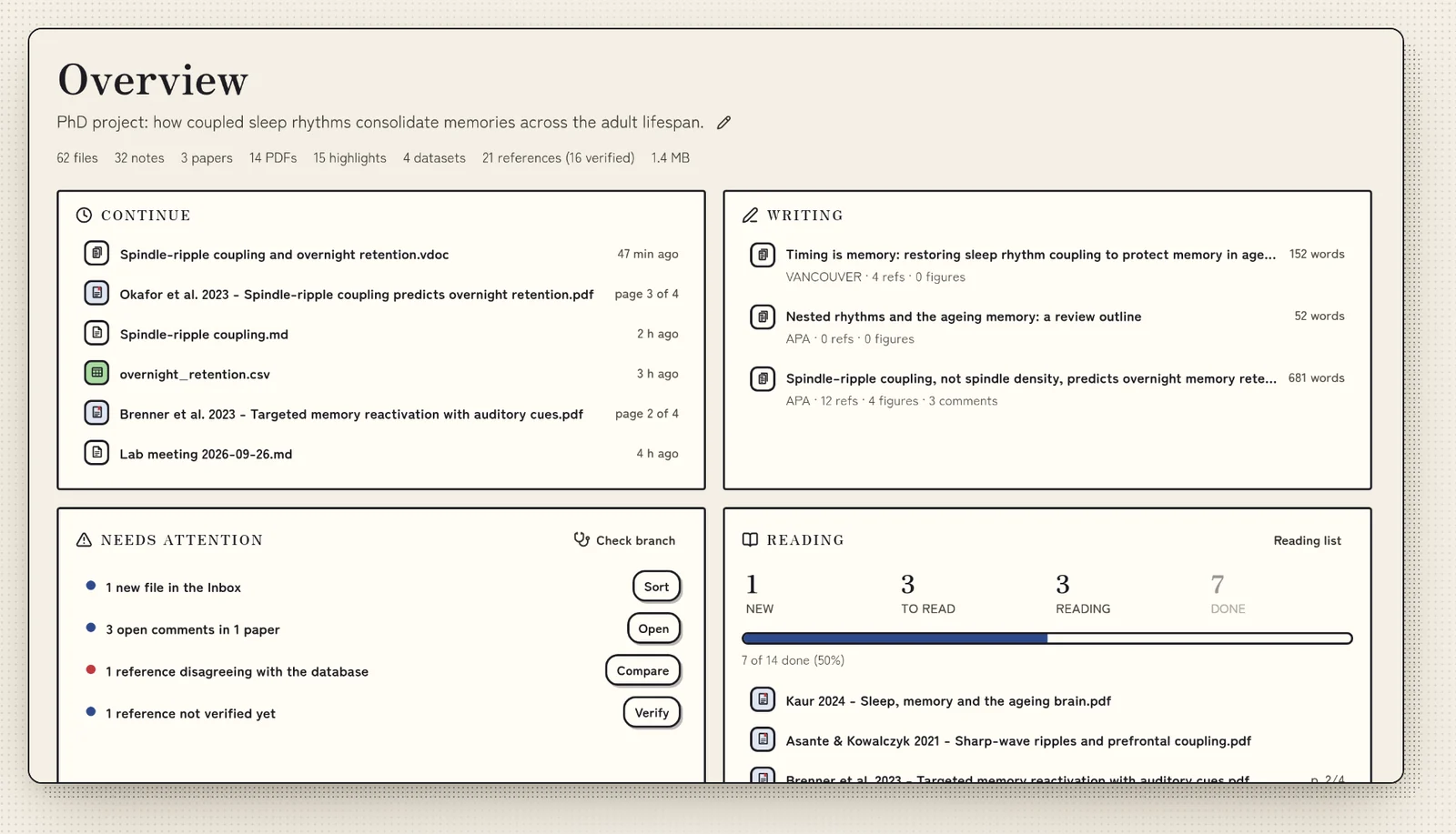
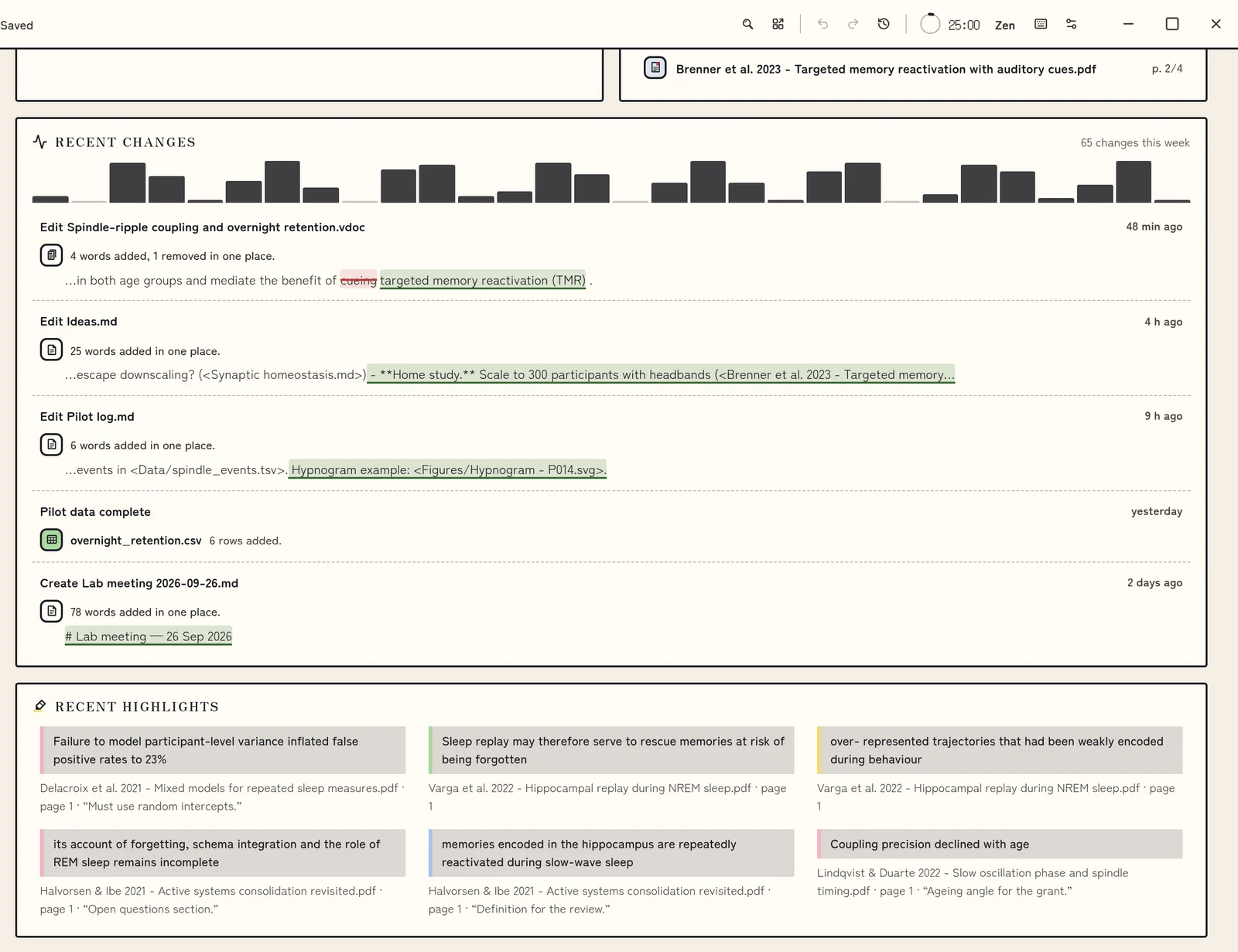
- A dashboard for recent work, reading progress and what needs attention.
- Separate profiles on one computer, each with its own projects.
Highlight like you mean it.
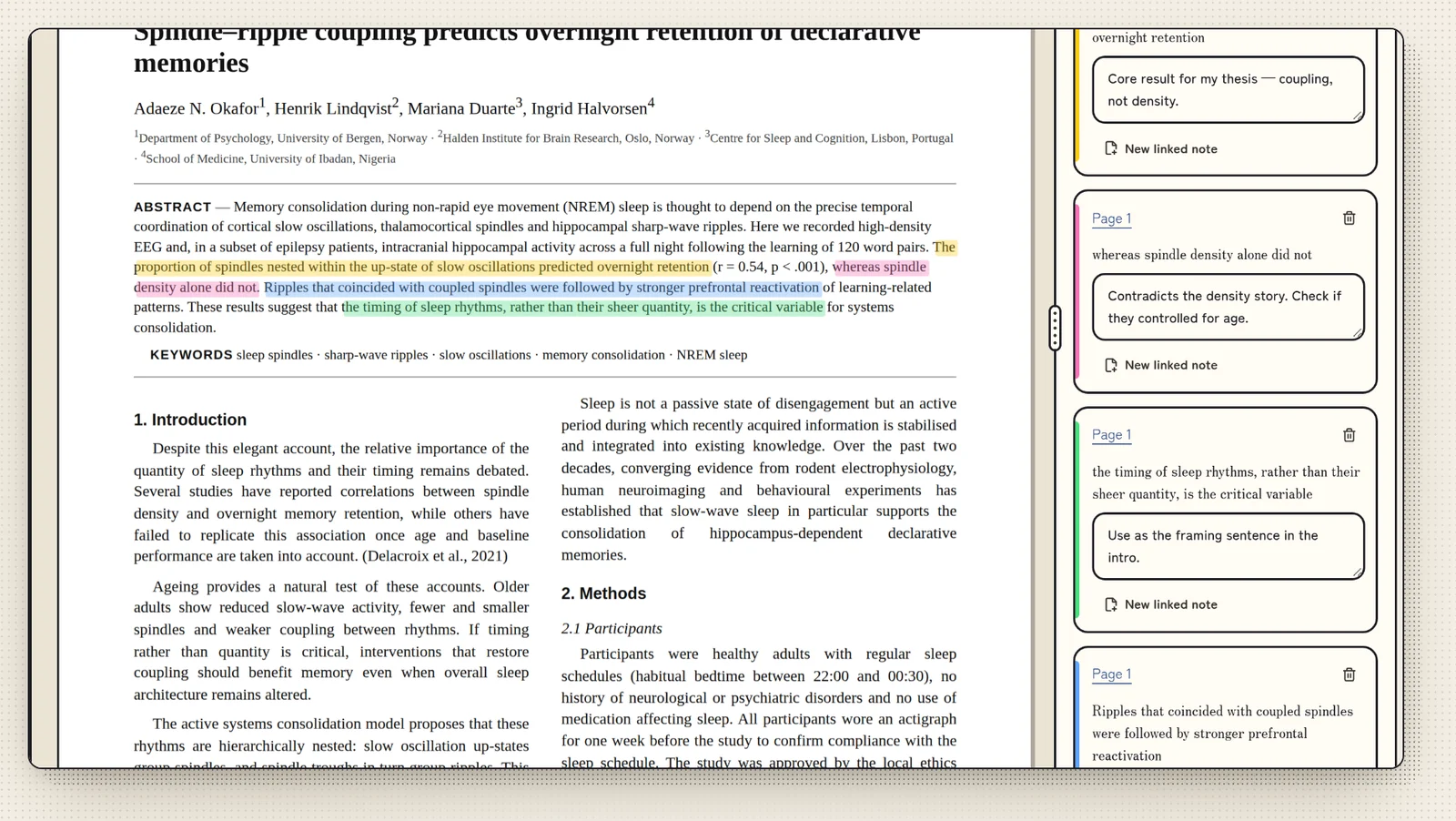
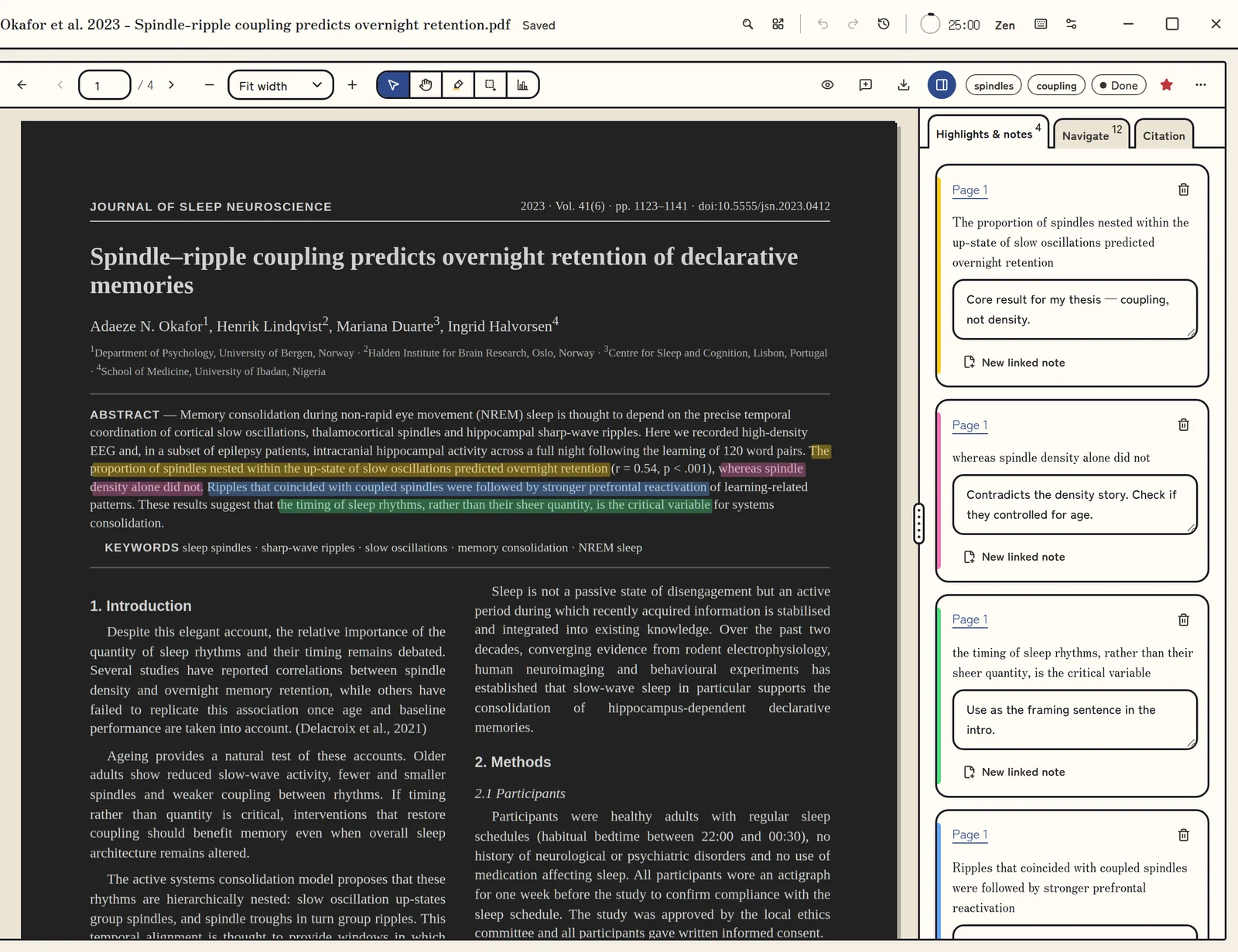
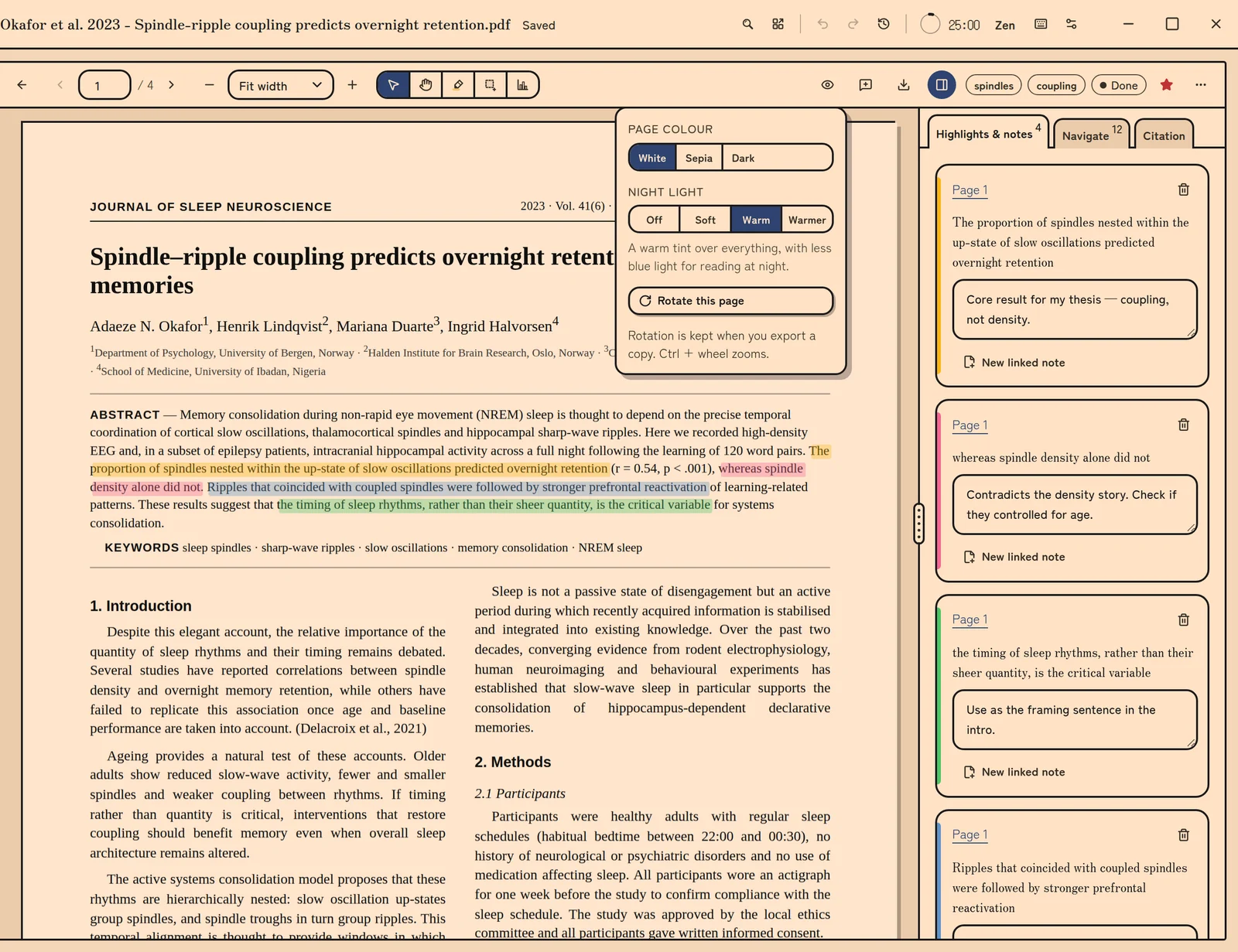
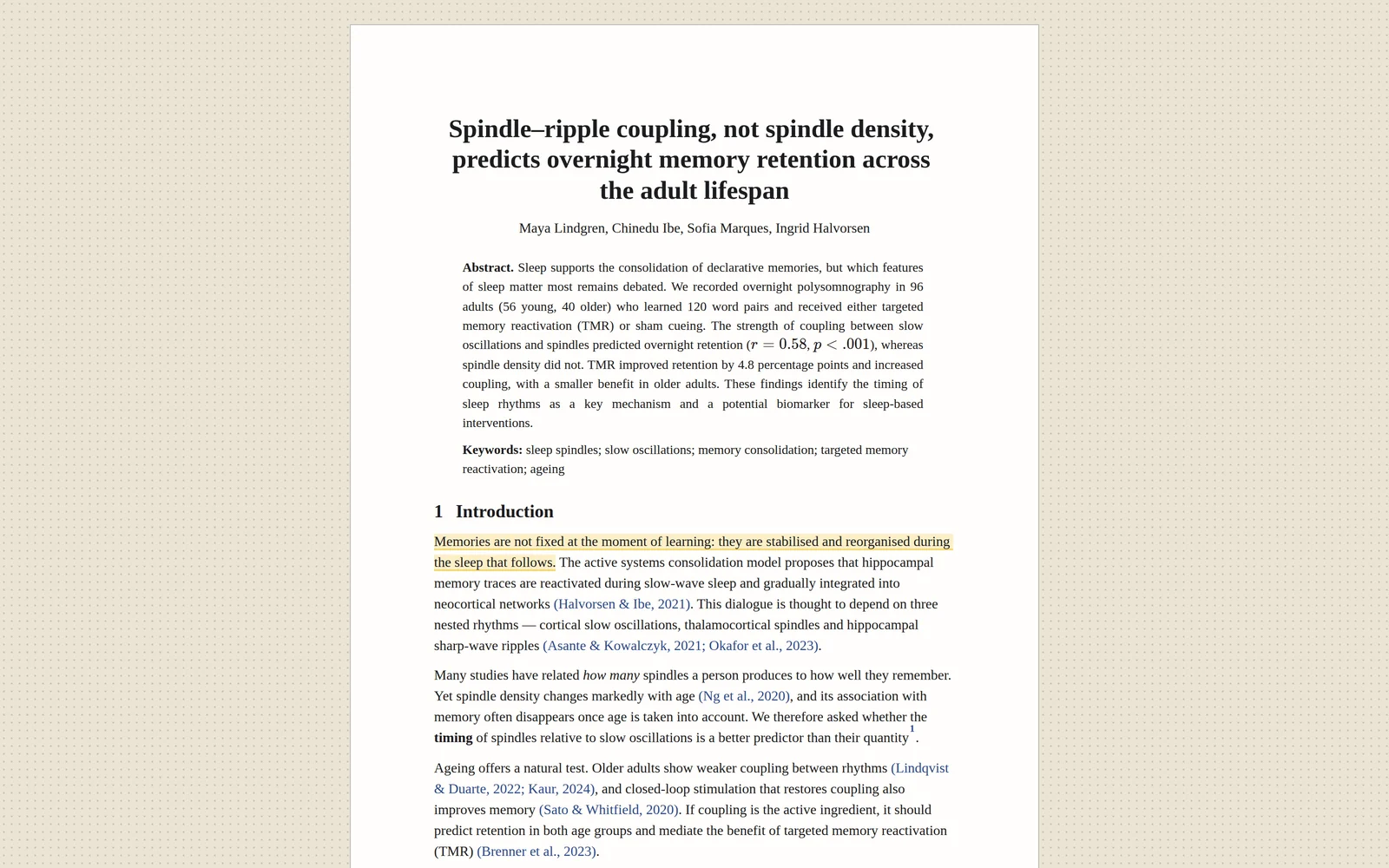
Highlight half the paper if you must. Highlights live in a small file of their own, so the original stays exactly as the journal sent it.
- Comments on any highlight.
- Link a page to your notes.
- White, Sepia and Dark page colours, and a warm night light.
- Export a copy with your highlights in it.
Notes that know their sources.
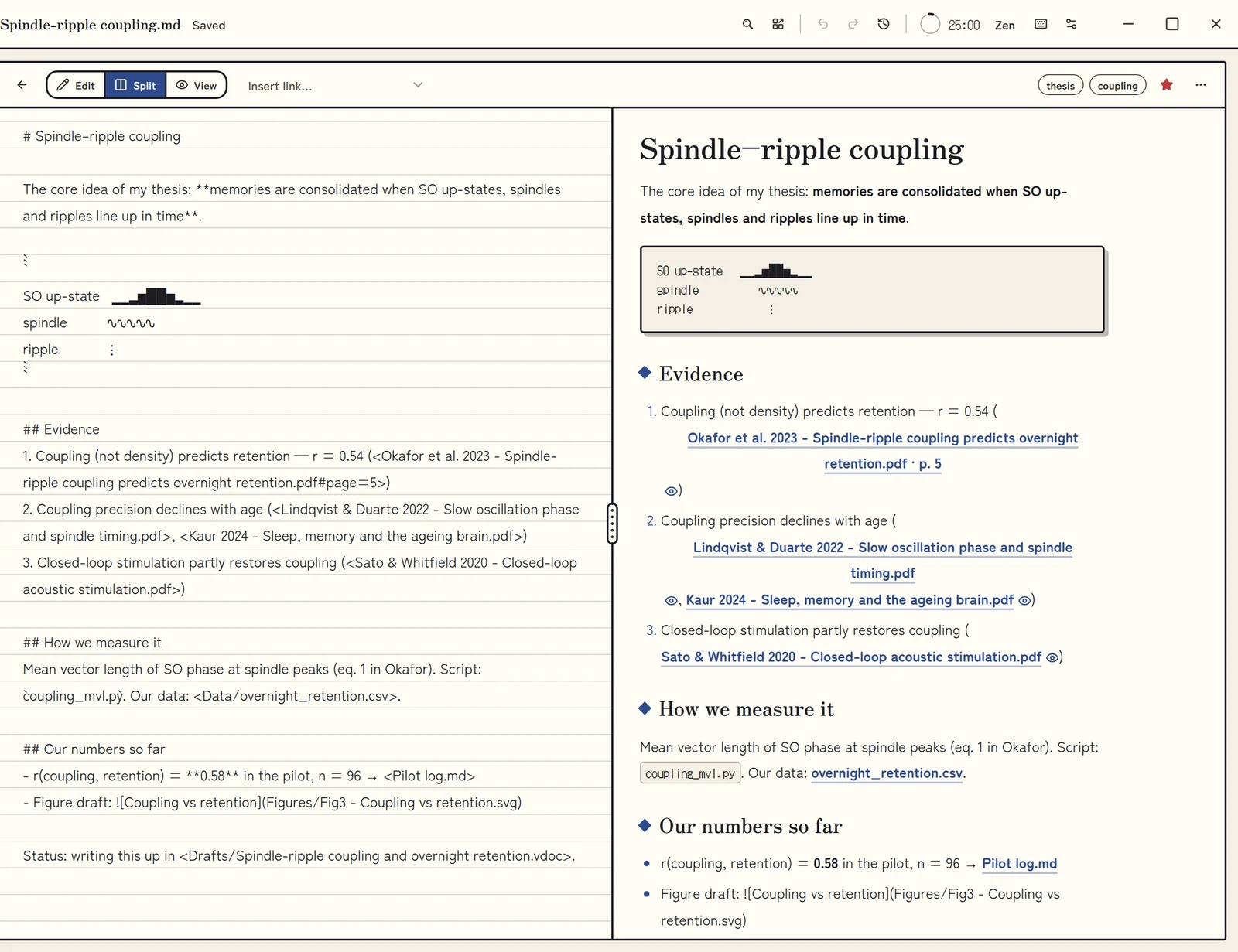
Link a note to the exact page a claim came from. Three months from now, at 2 a.m., you will be very glad you did.
- Markdown notes that link to a paper, or a page of it.
- Rename a file in Volpi and its links follow.
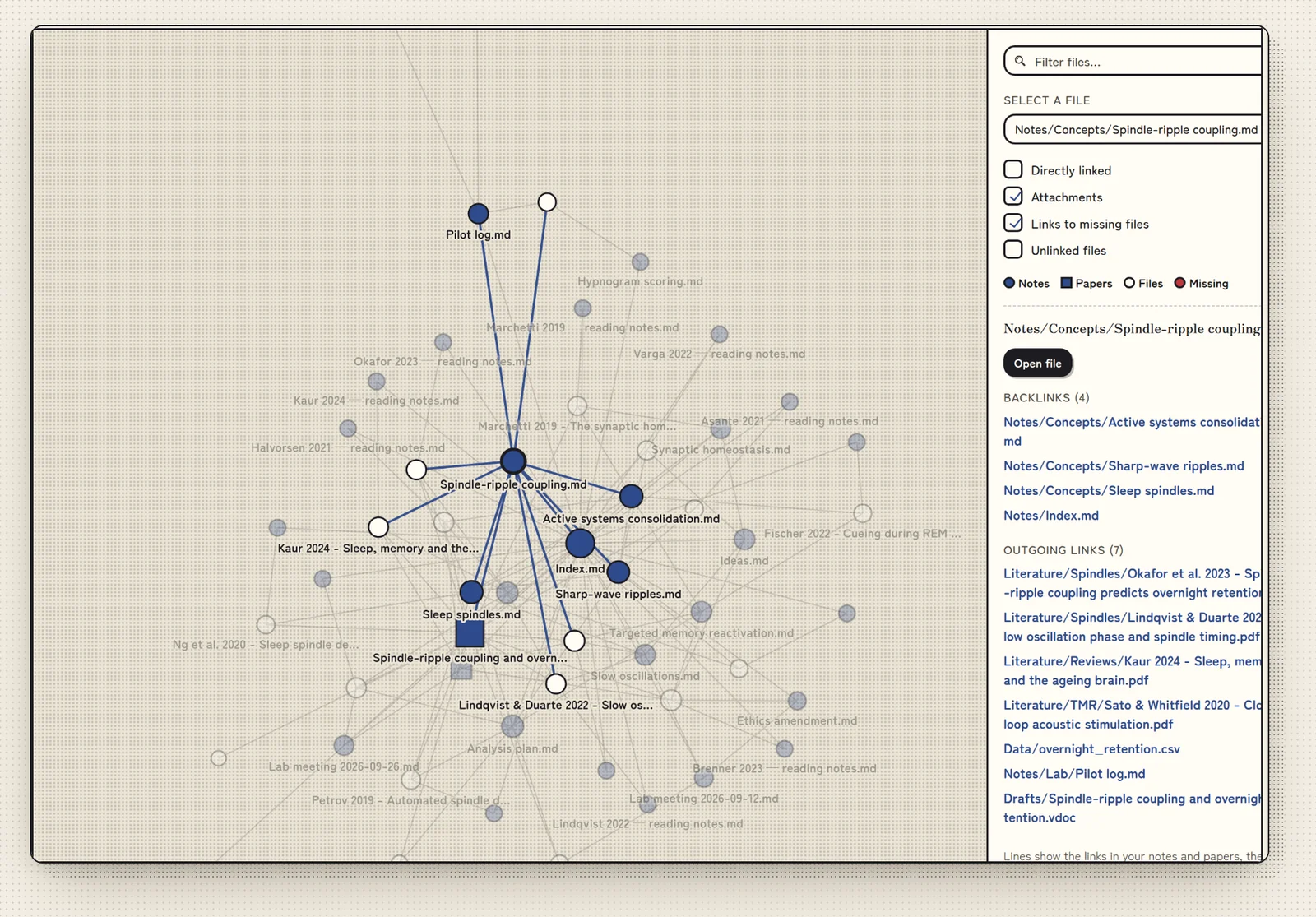
- A graph of how your notes and papers connect.
References, checked.
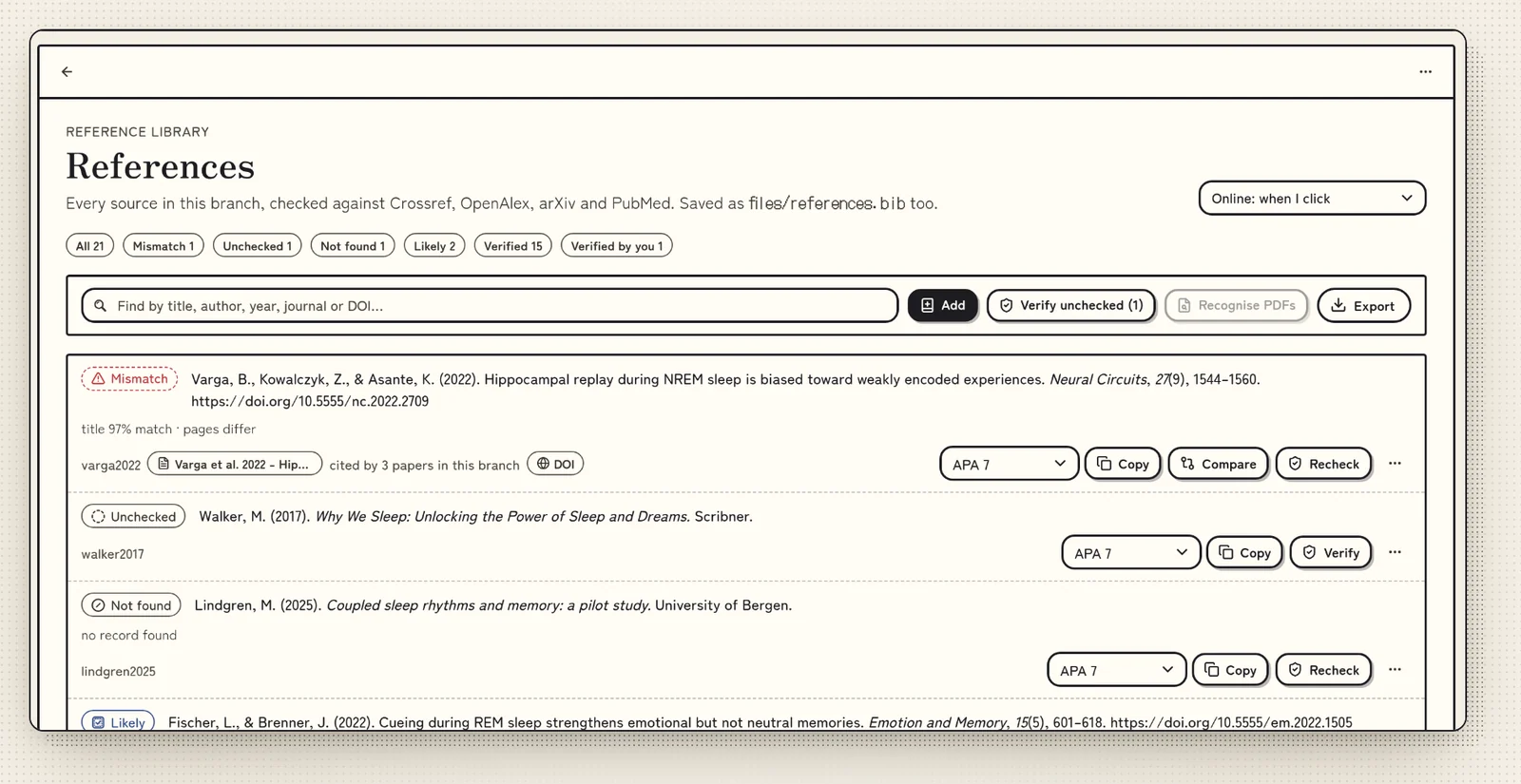
Volpi asks Crossref, OpenAlex, arXiv or PubMed whether a reference exists, so Reviewer 2 has one less thing to write about.
Honest noteIt checks that a reference exists. It cannot check that the paper says what you hope it says.
- APA, IEEE, MLA, Chicago, Harvard and Vancouver.
- Export to BibTeX, RIS and CSL-JSON.
Look at your data before reviewers do.
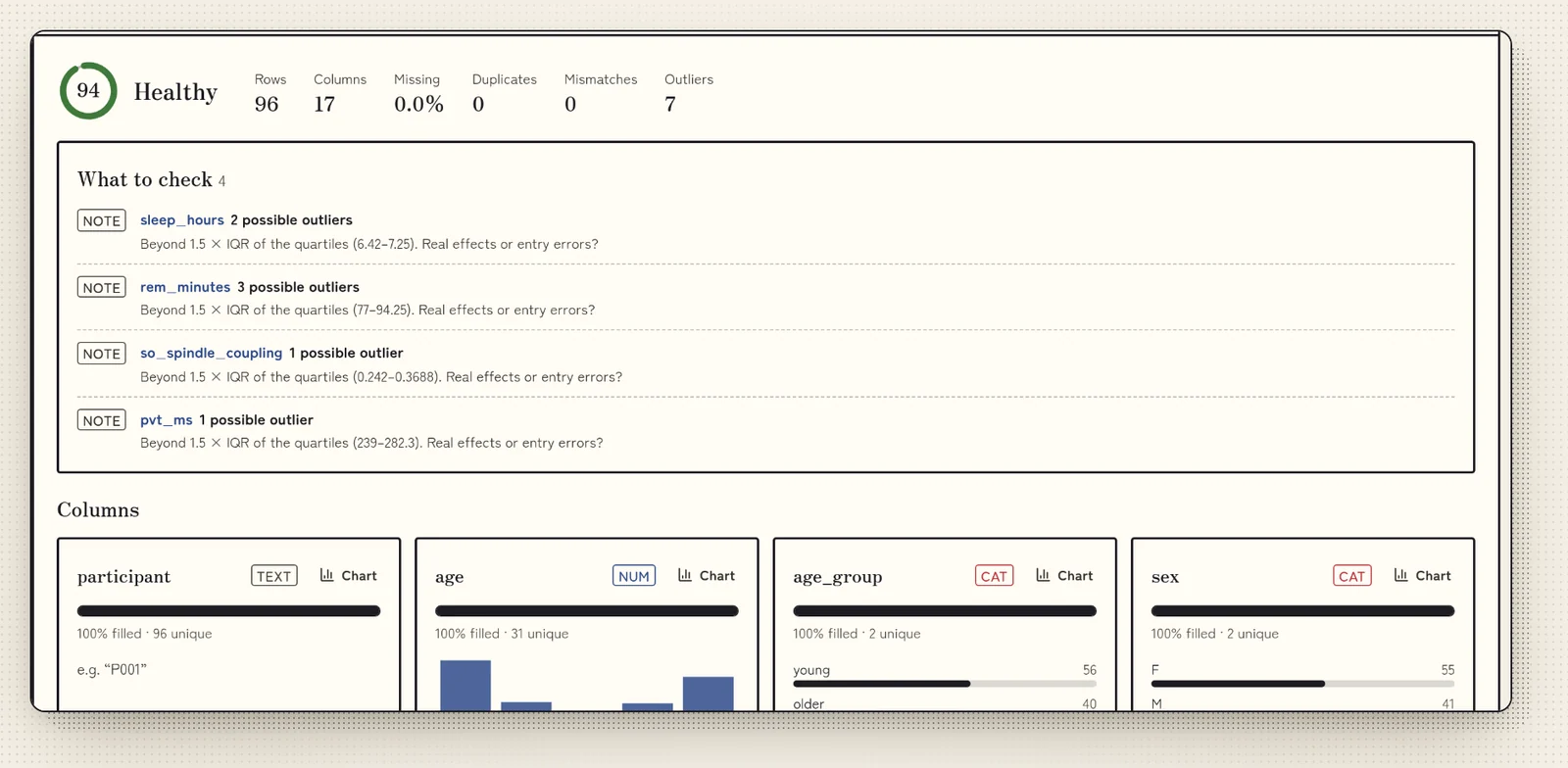
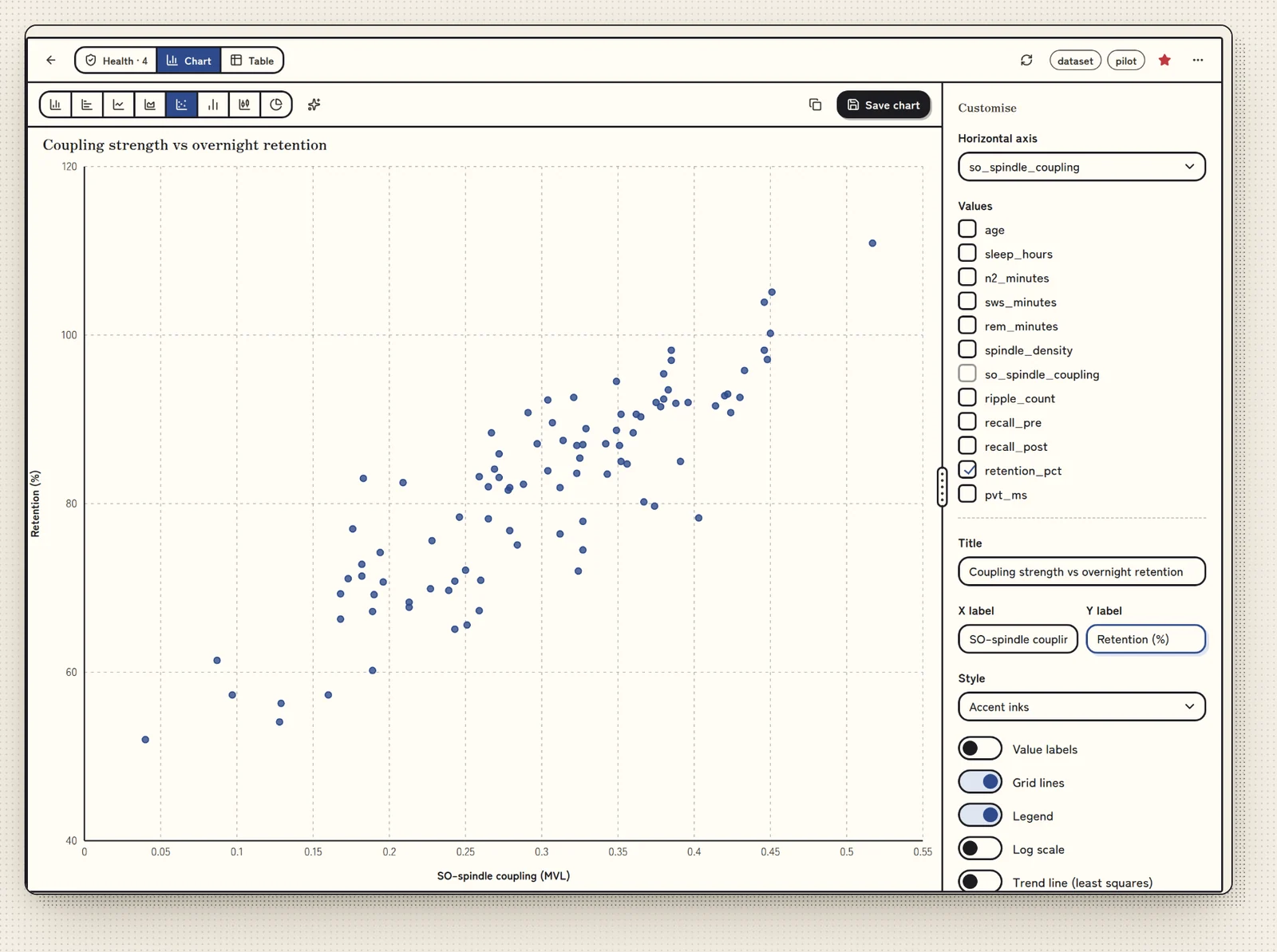
Find the value that sits far from all the others before it turns up in Figure 3. Then make the chart and save it as SVG.
- Checks CSV, TSV and JSON for gaps, inconsistent labels and possible outliers.
- Bar, line, scatter and more.
- Volpi finds captioned tables in a PDF: chart one, save it as CSV or put it in a note.
- Charts saved as SVG.
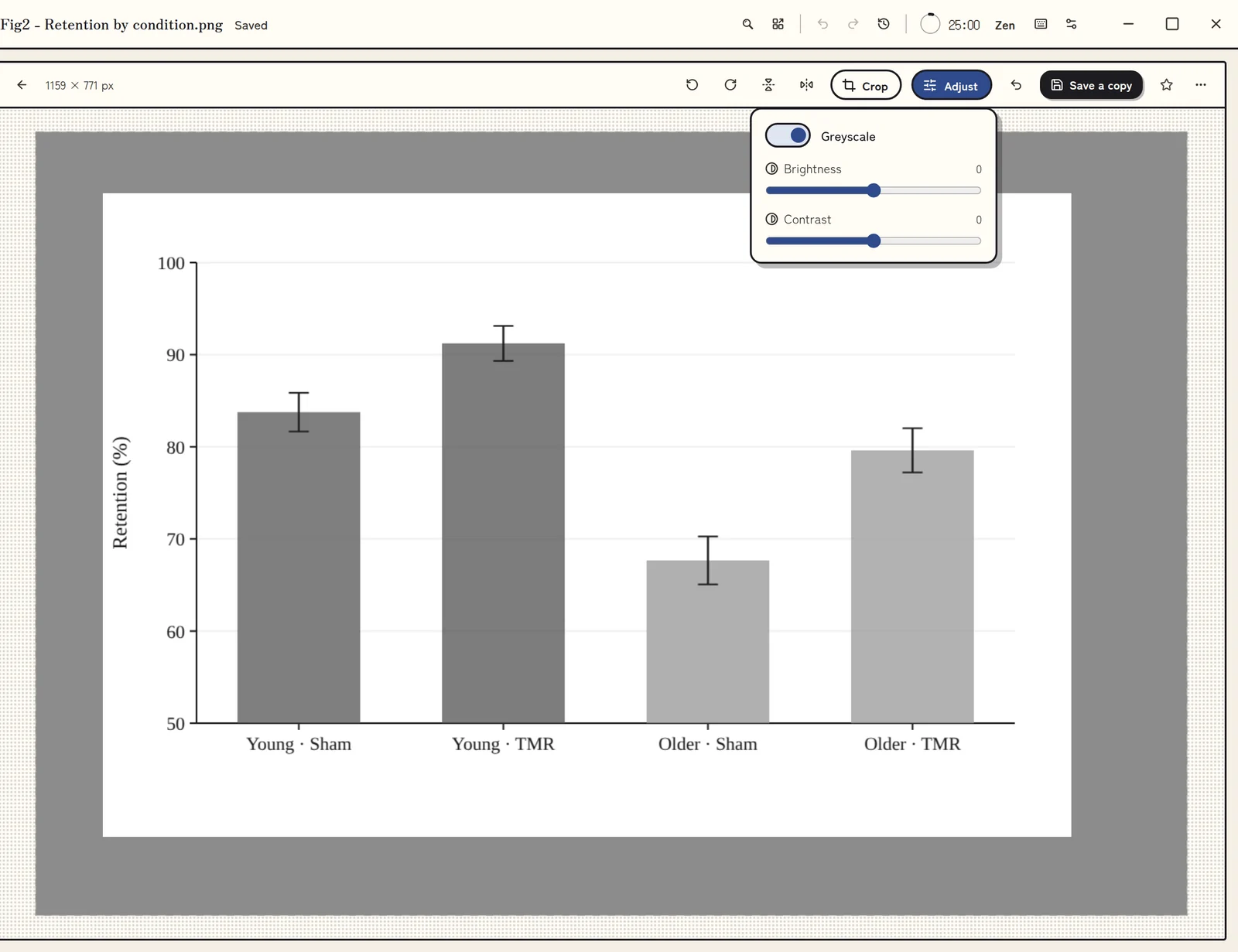
- Crop, turn and adjust pictures. Save a copy and the original stays as it was.
Write where your sources are.
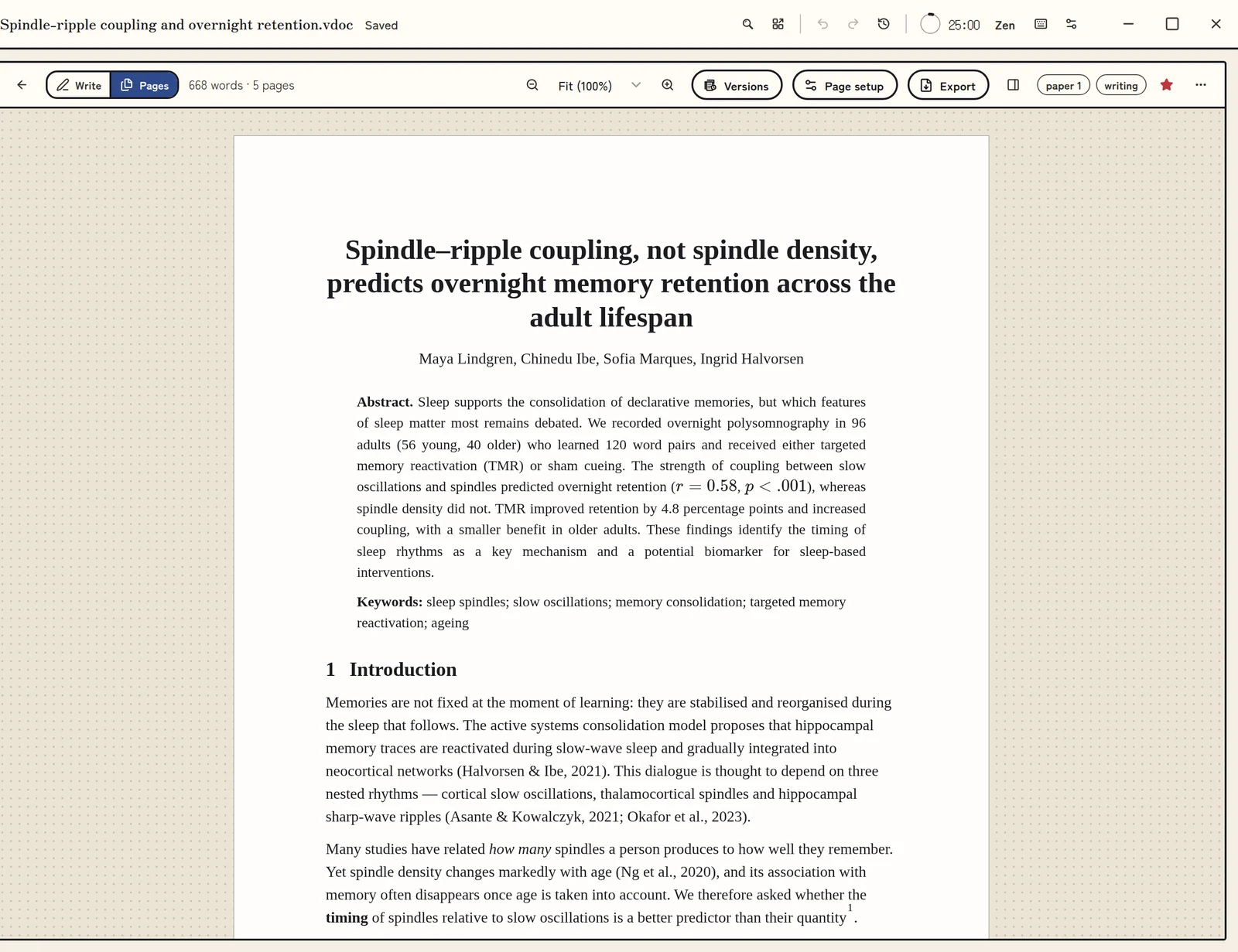
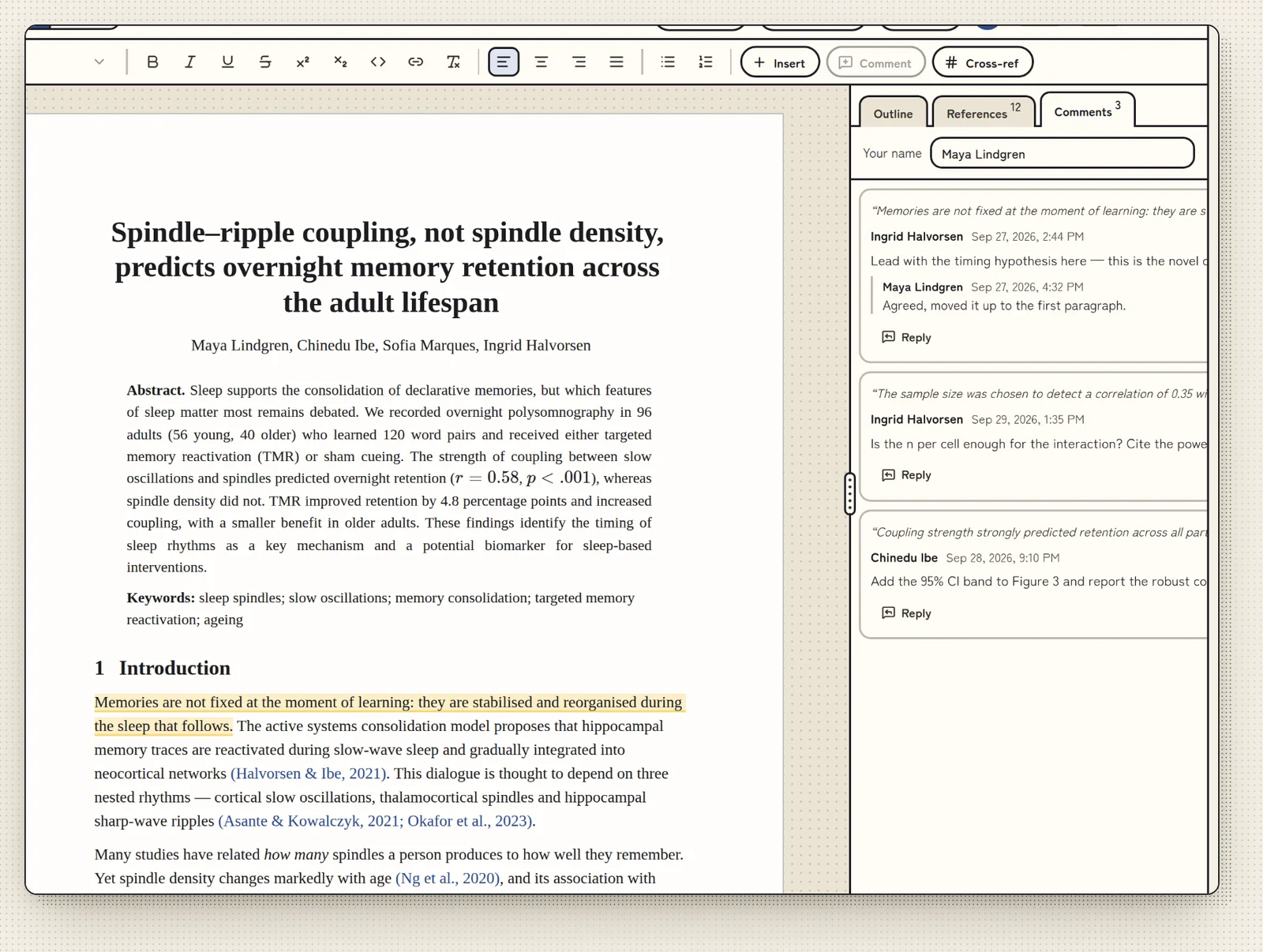
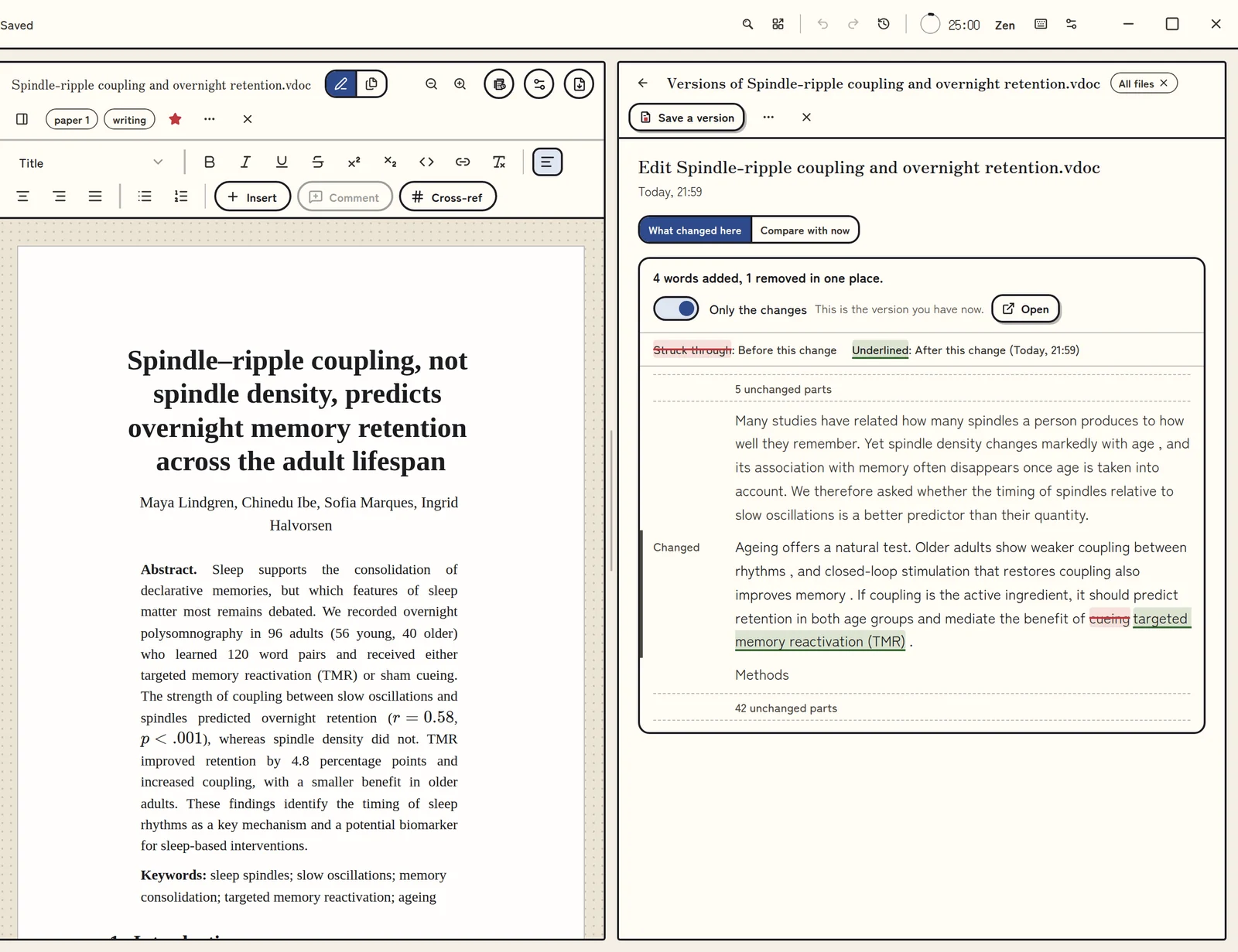
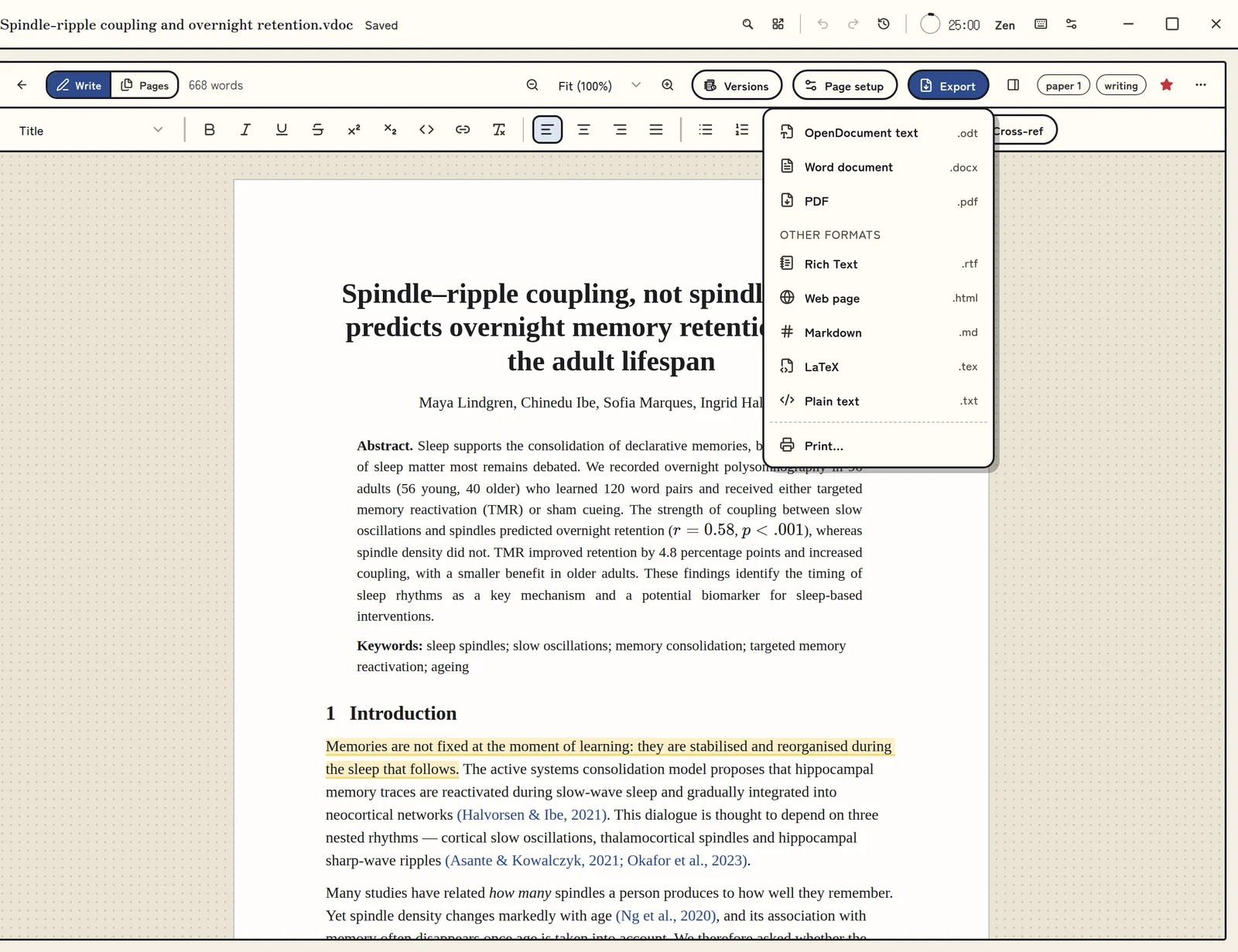
Cite from your library as you type. Comments stay in the paper, and Versions keeps its history. When your supervisor insists on Word, export to Word, or to OpenDocument, LaTeX or PDF.
- Four numbered heading levels, an outline, and a table of contents that stays up to date.
- Type $$ on its own line for a numbered equation.
- Comments, and a history of the paper in Versions. Compare, and bring back earlier text.
- Export to OpenDocument, Word, PDF, LaTeX and more.
Find it again.
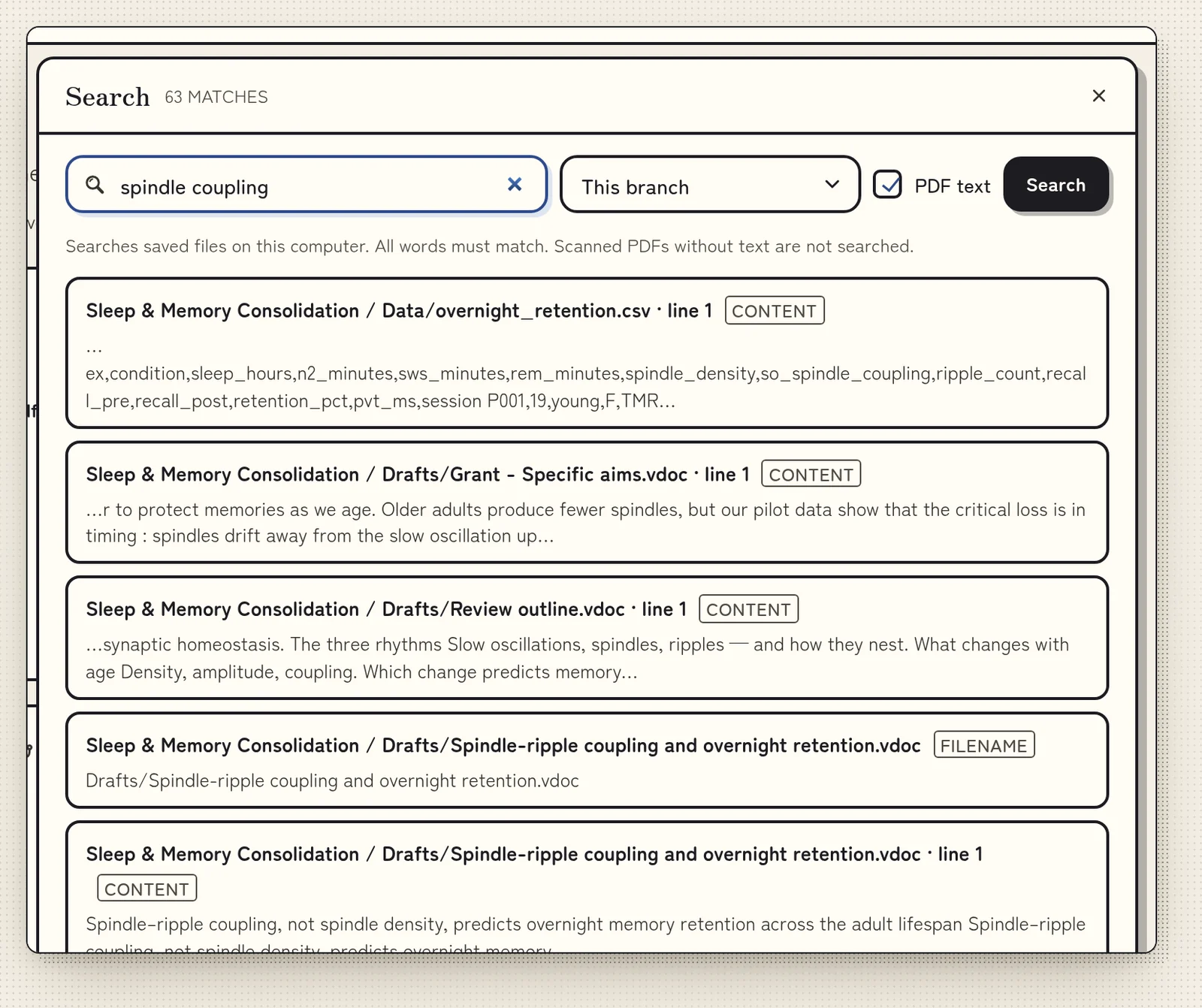
Search looks through file names, notes, PDF text and highlights. Yes, that quote from last spring too.
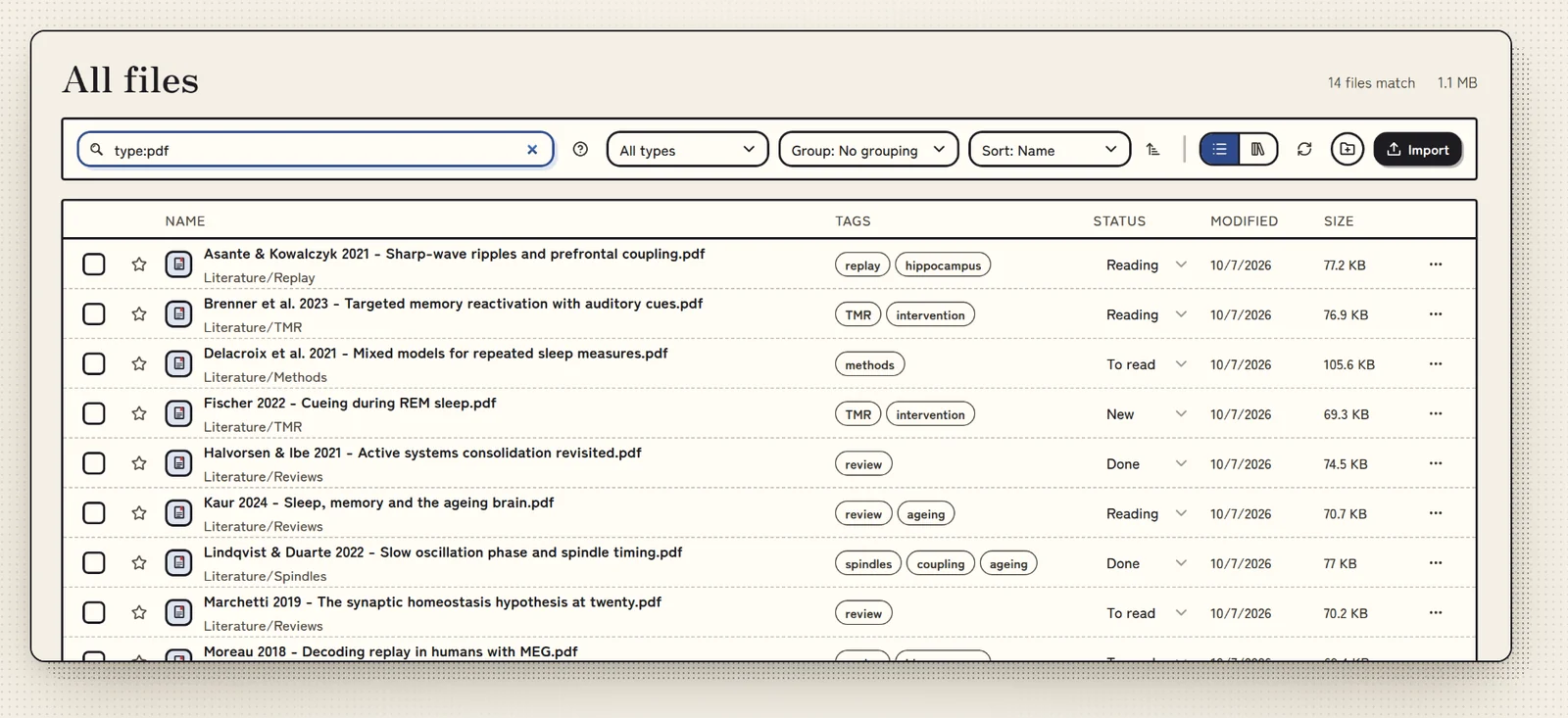
- Folders, tags, stars and reading status.
- Up to three files side by side, or a link as a peek.
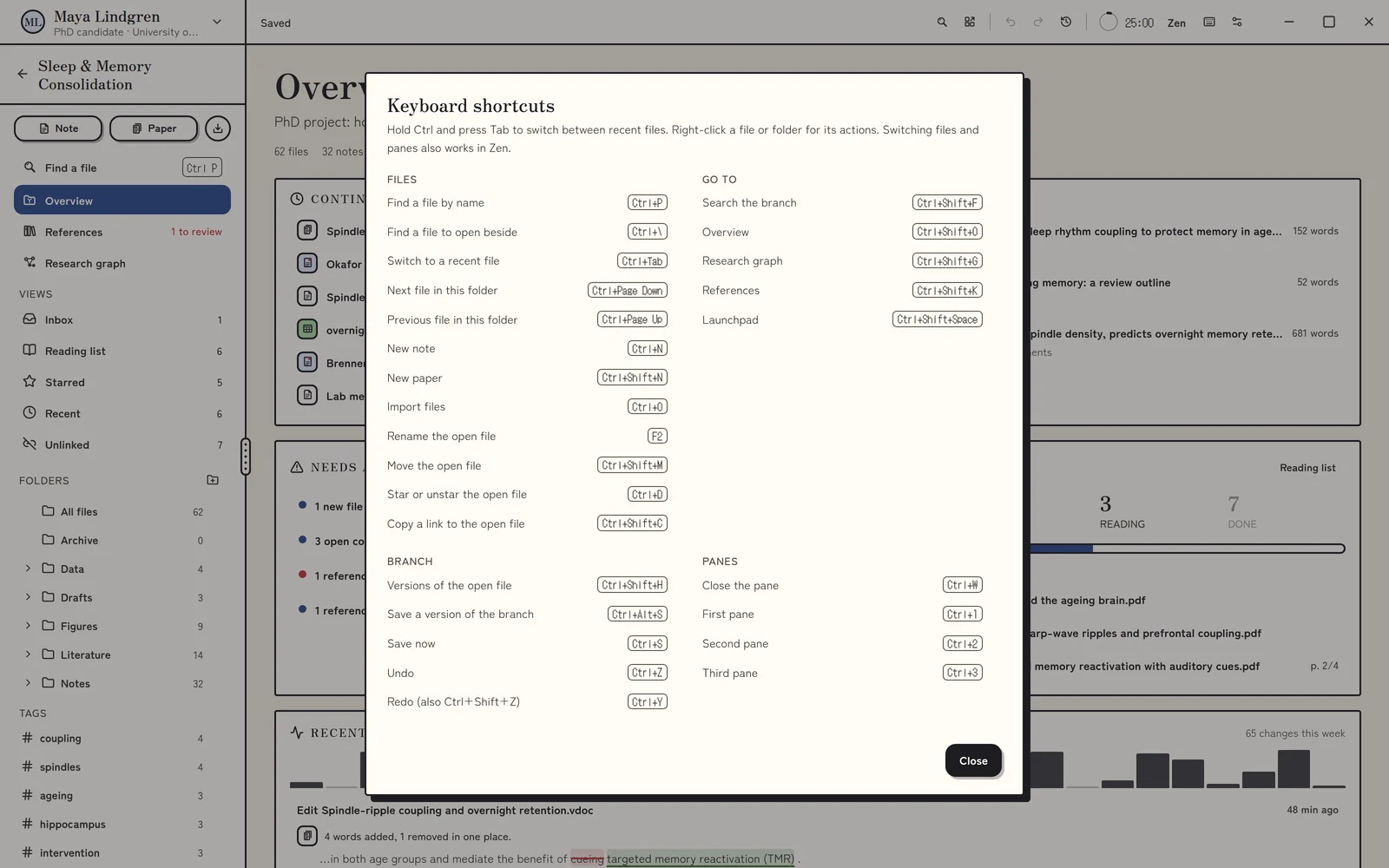
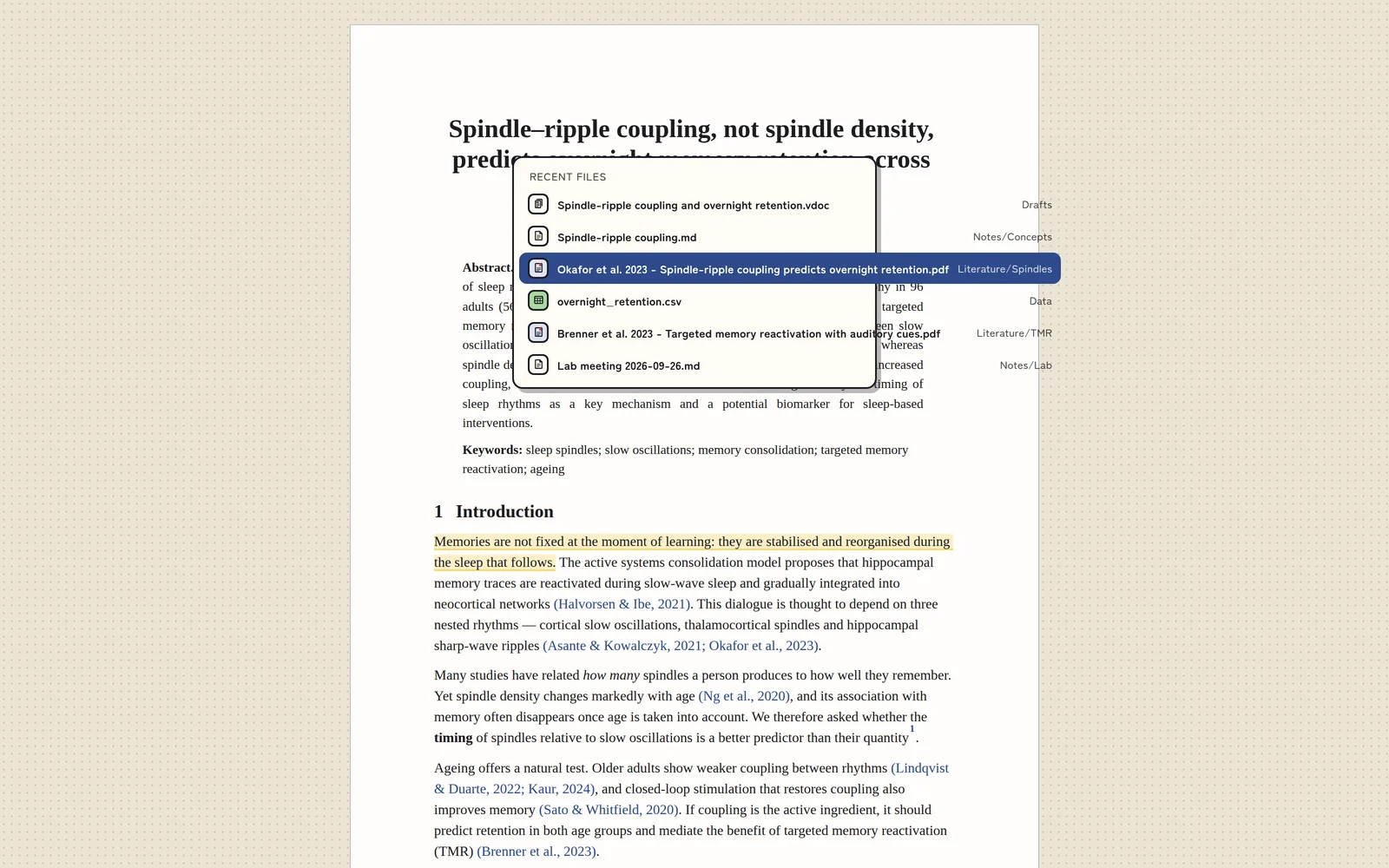
- Ctrl+P opens any file by name. Ctrl+/ lists every shortcut.
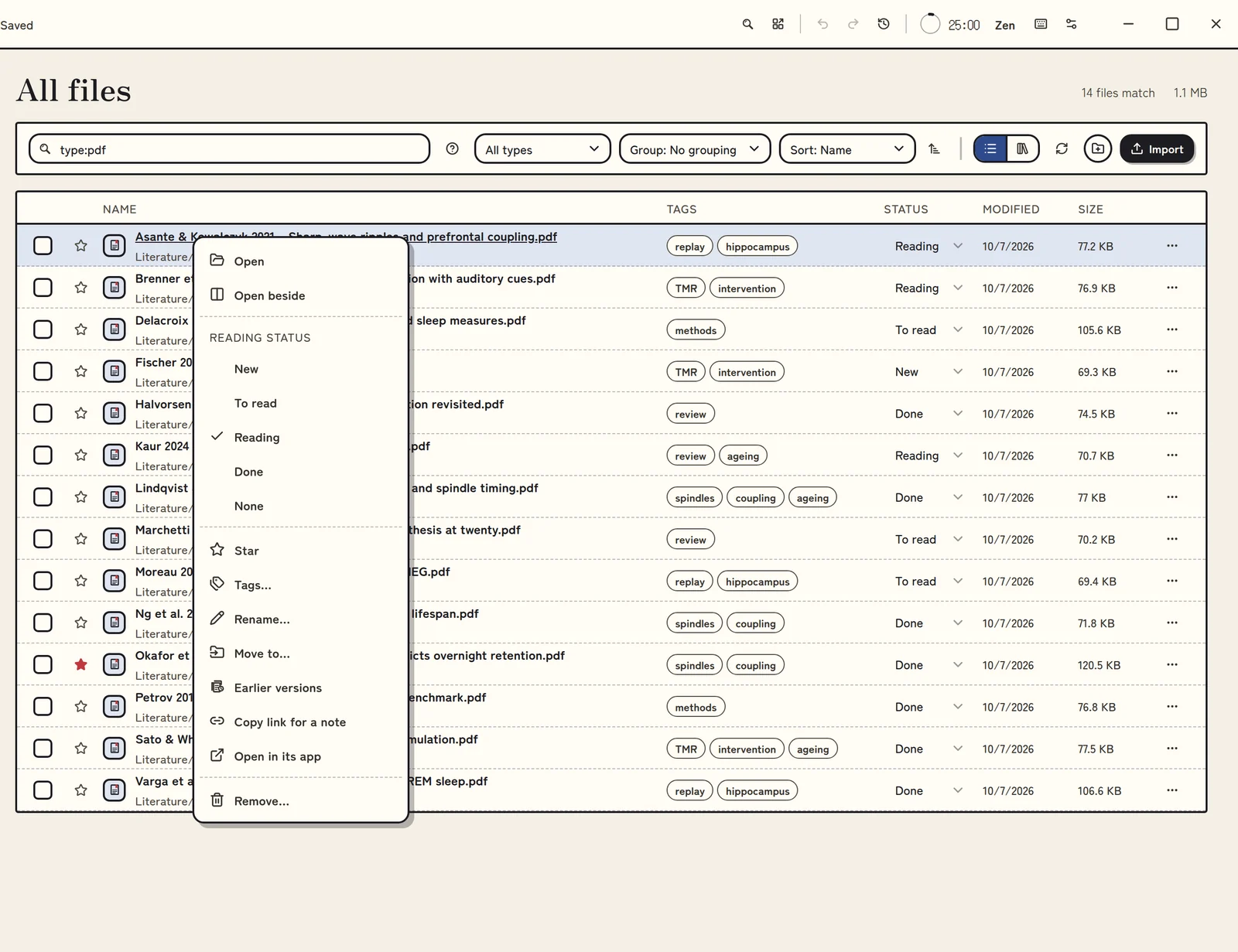
- Right-click a file or several for their actions.
- Search reads Word and Excel files too.
Nothing pinging you.
No notifications, no streaks. Zen mode fills the screen with the page and nothing else.
- Zen fills the screen. Ctrl+Tab switches files without leaving it.
- A 25 minute focus timer.
- Changes save as you work. If Volpi closes unexpectedly, unsaved edits are kept in a recovery journal.
- Undo in every editor, and a history you can restore from.
What is next.
Built and being tested, with no dates attached. We would rather be right than early, and Mochi would rather nap.
Honest noteNone of this is in the version you can download today. The roadmap has the order, and it may change.
- Sync between your computers, through a folder in your own cloud drive.
- Import from Zotero and Mendeley, and whole folders.
- Model blueprints: small machine-learning tools you build and run on your own computer (experimental).
- Volpi Mobile for Android, in early testing.
Seen enough?
The open beta is free for everyone. Download it, or join the Discord and tell us what you need.