Writing papers.
Papers are .vdoc files, which are plain HTML inside.
- Structure
- Four heading levels, numbered automatically. A heading called Appendices letters the sections after it. Figures, tables, footnotes and cross-references.
- Outline and contents
- The Outline moves a section up or down with everything inside it, or changes its level, in one Undo step. Insert a table of contents, list of figures or list of tables that stays up to date.
- Things to check
- Lists broken cross-references, citations missing from the references, uncited references and figures without captions.
- Equations
- Write $$ E = mc^2 $$ on its own line and press Enter for a numbered equation. $$x$$ inside a sentence becomes inline math.
- Page setup
- Zoom with Ctrl+scroll. Margin presets (Normal, Narrow, Moderate, Wide, Wide sides, Thesis bound, Like LaTeX) or your own, in centimetres. Sixteen academic fonts, including Computer Modern.
- Review
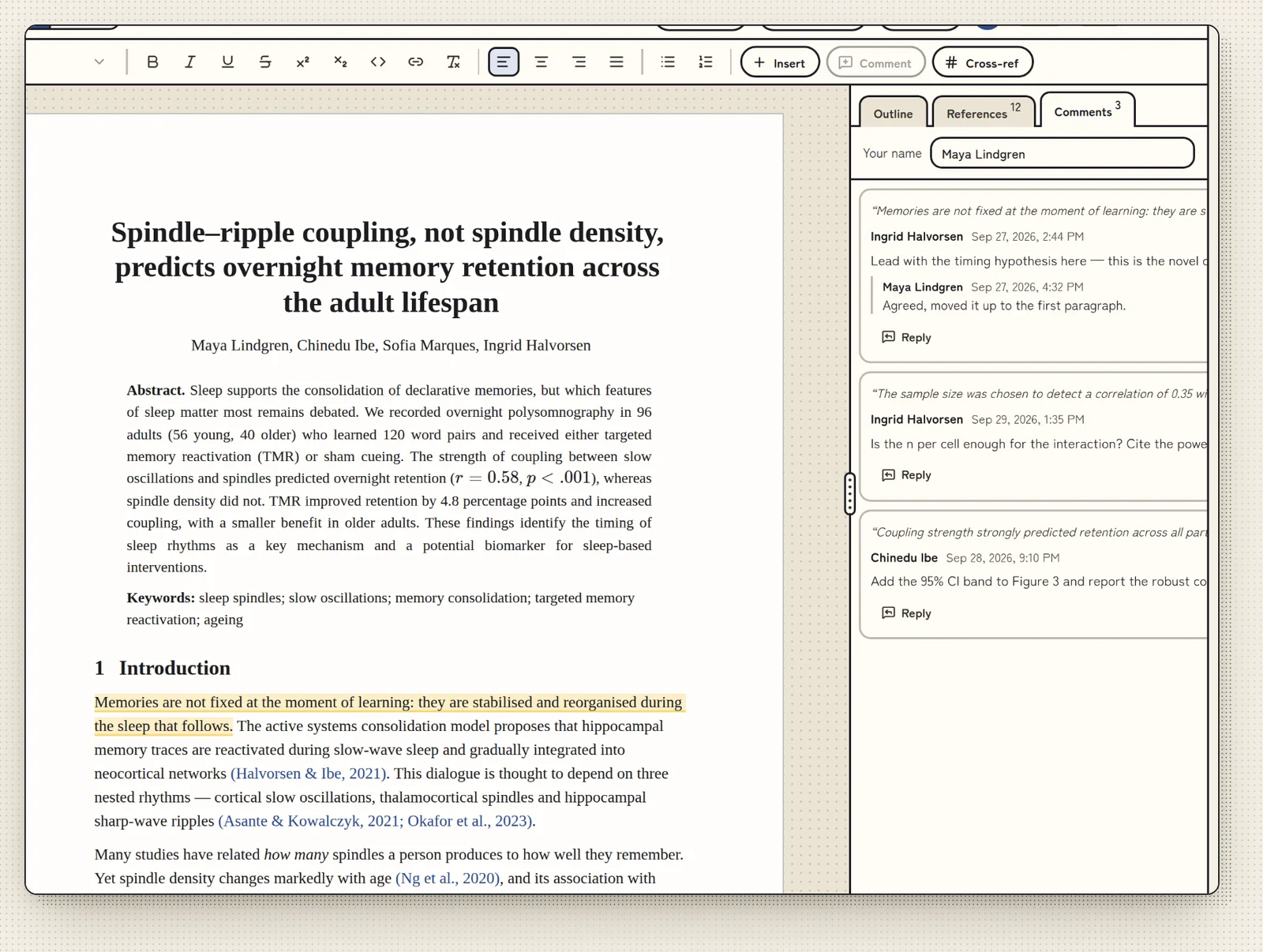
- Comment threads in the paper. The page shows no tracked changes; Versions keeps the history.
- Versions
- Compare a file with an earlier version, with added words underlined and removed words struck through, and bring back earlier text. Save a version with a short note to keep how every file looks at that moment.
- Export formats
- OpenDocument (.odt), Word (.docx), PDF, Rich Text, web page (HTML), Markdown, LaTeX and plain text. On Linux, OpenDocument is listed first. Word import is unchanged.